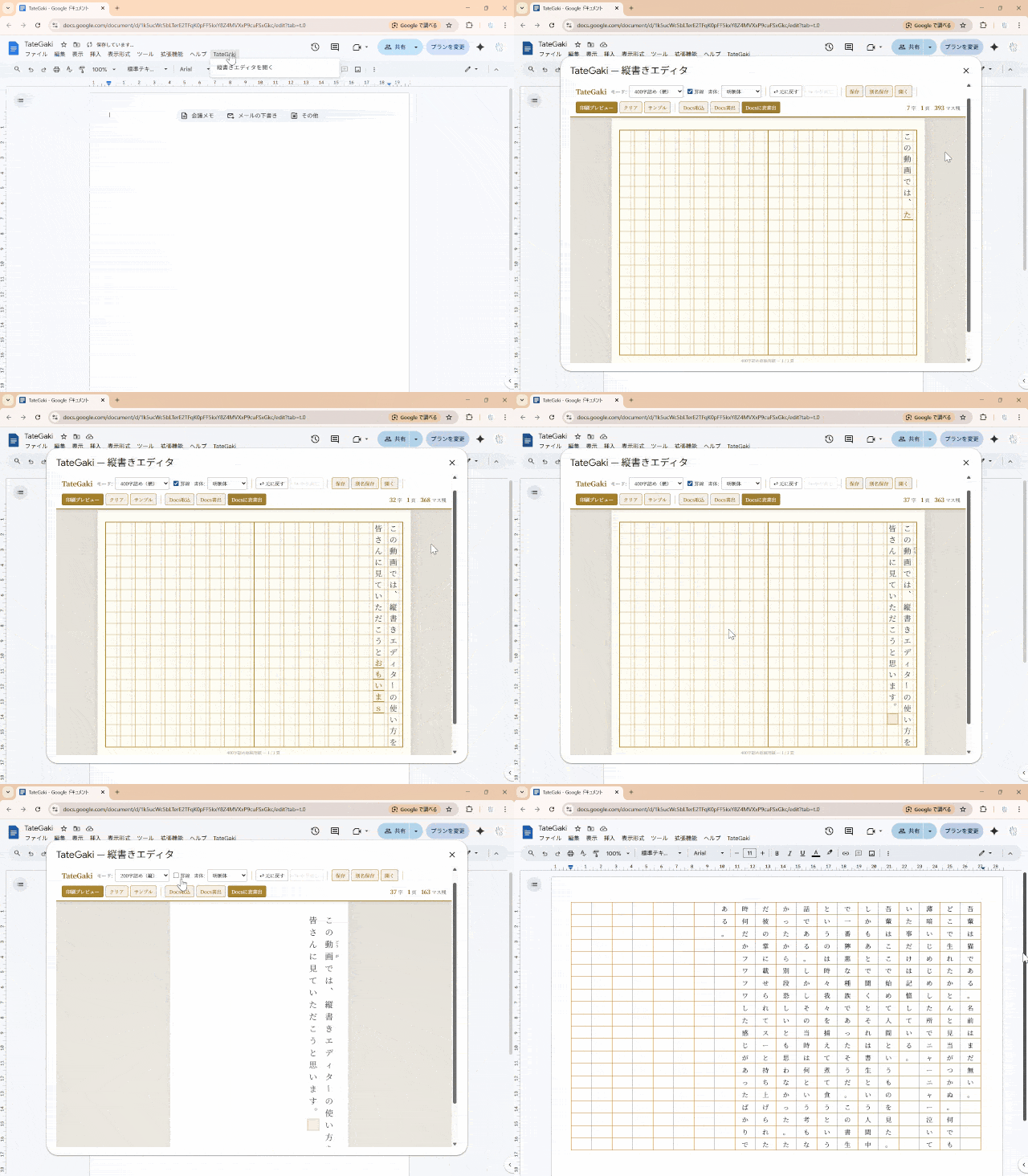
TateGaki demo — vertical writing in Google Docs
TateGaki is a free Google Docs add-on that brings Japanese vertical writing (tategaki) to Google Docs. Manuscript paper (400/200-character grids), ruby (furigana), and proper line-breaking rules — all inside a clean editor dialog.
▶ Install freeCore features free. Optional layout features via TateGaki Pro (¥500/month or ¥1,500/year, tax incl.)
Google Workspace Marketplace
TateGaki demo — vertical writing in Google Docs
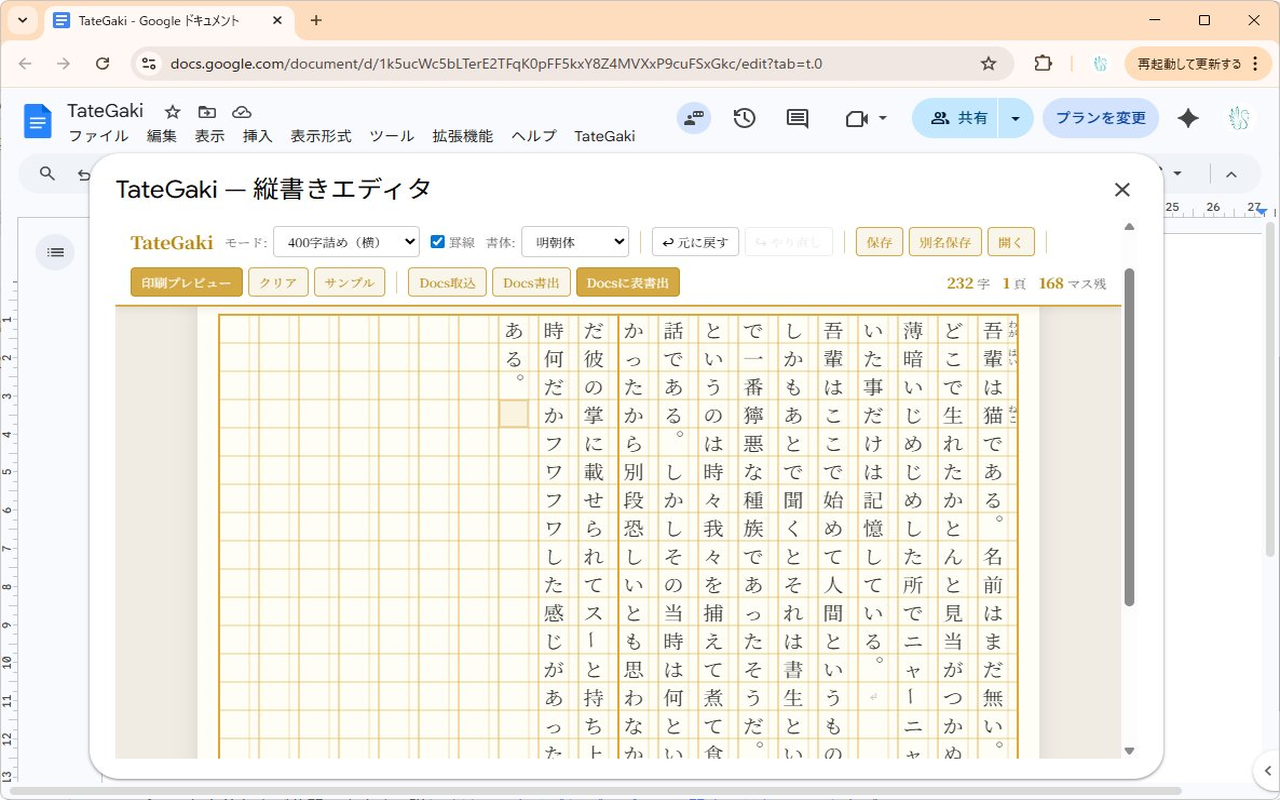
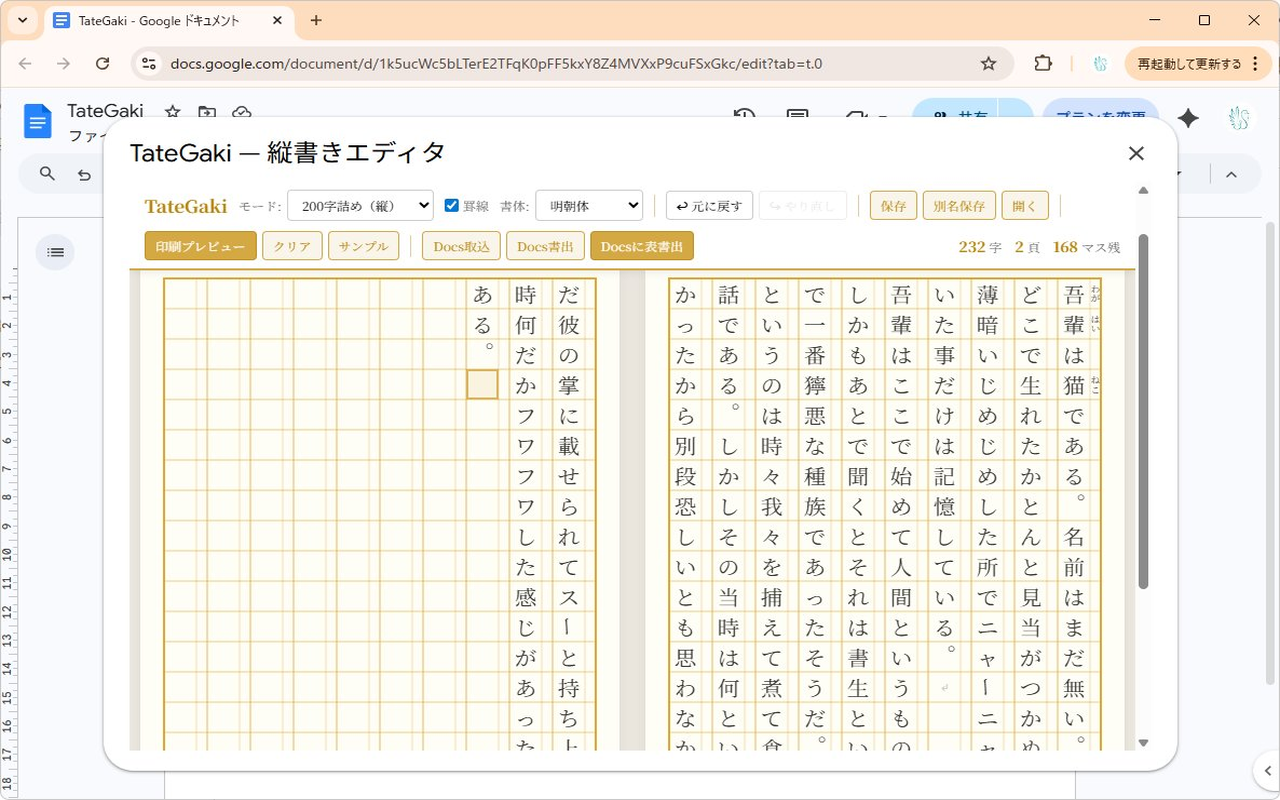
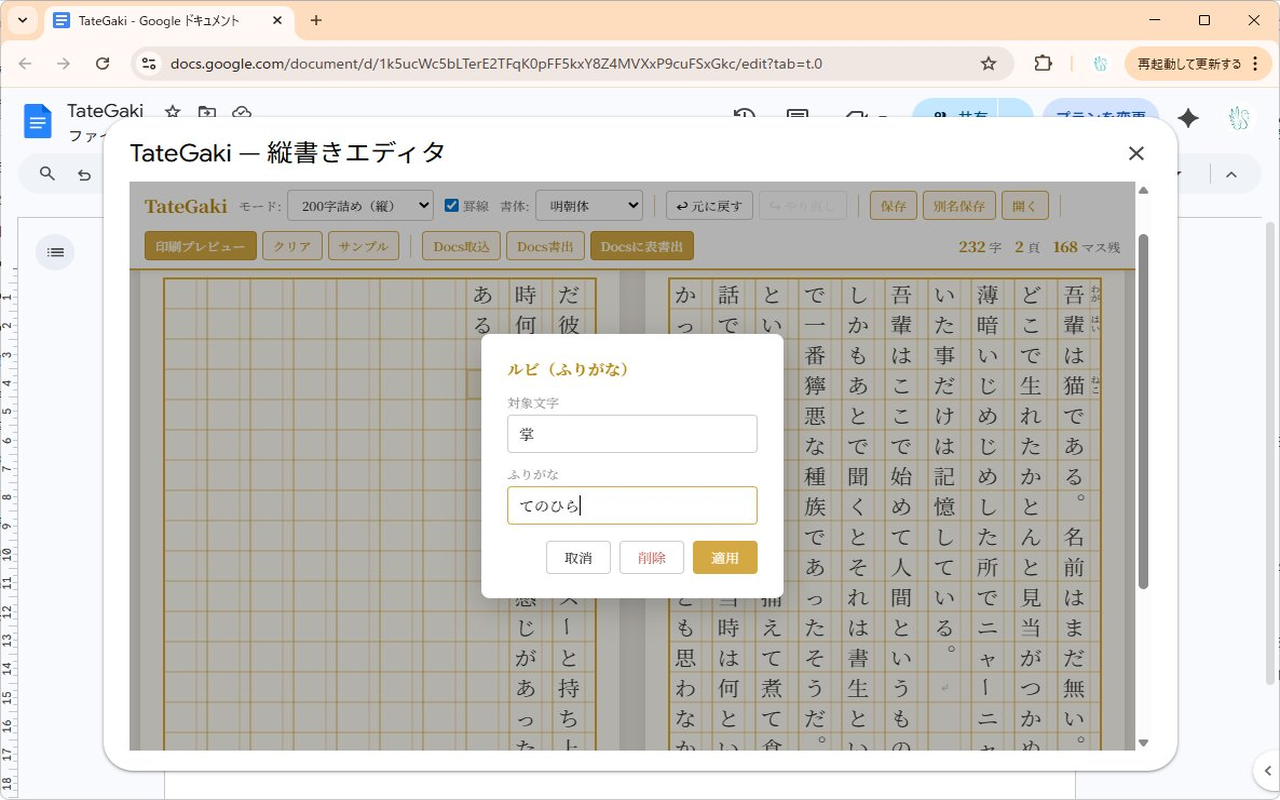
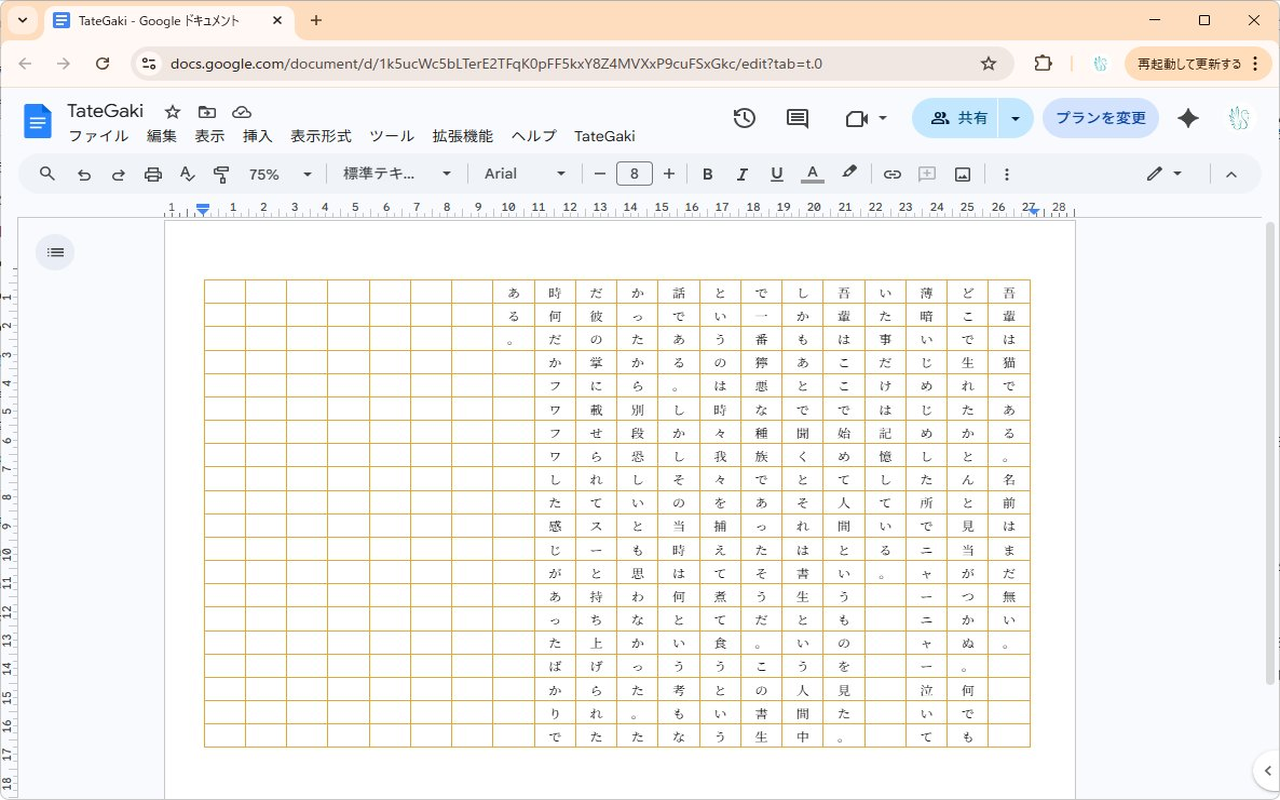
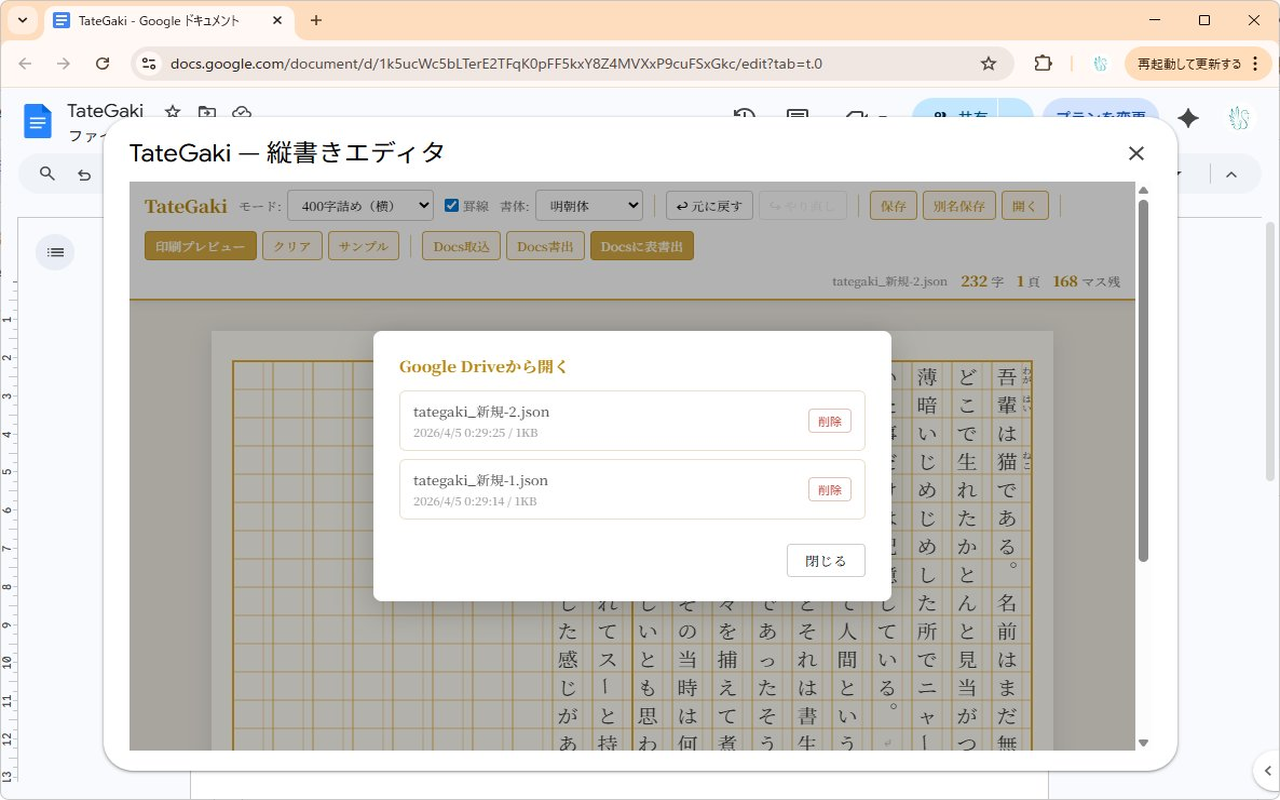
Write in 400/200-character genkō yōshi with proper vertical layout. Ruby and kinsoku shori included.
Quickly produce essay sheets and kanji practice paper, ready to print.
No Word required — make beautiful vertical Japanese documents in your browser.
Nothing to install locally. Use it from any browser, anywhere in the world.
400-character (20×20) and 200-character (10×20) genkō yōshi layouts, with proper orange grid styling.
Type vertically right inside the dialog. Full IME support for comfortable Japanese input.
Add ruby annotations alongside each column in manuscript paper mode.
Proper kinsoku shori — punctuation and closing brackets never start a line.
Write the editor's content out to your Google Doc as a grid table (one cell per character).
Save and load documents from your Drive, with overwrite support for in-progress work.
One click to install from the Google Workspace Marketplace.
▶ Install freeCore features free. Optional layout features via TateGaki Pro (¥500/month or ¥1,500/year, tax incl.)
A. Not out of the box. Once you install TateGaki, you get vertical writing and manuscript paper layouts inside a dialog in Google Docs.
A. Yes — both 400-character (20×20) and 200-character (10×20) genkō yōshi layouts are supported.
A. Yes. In manuscript paper mode, each column has a ruby field on its right side.
A. Yes — both line-start and line-end kinsoku rules are applied automatically.
A. Yes. TateGaki is free to install from the Google Workspace Marketplace.
For more questions, see the support page.
TateGaki complies with the Google API Services User Data Policy, including the Limited Use requirements.
This add-on requests only the minimum permissions needed to write tables to Google Docs™ and save files to Google Drive™. No user data is sent to any external server.
See the Privacy Policy (Japanese) for details.